
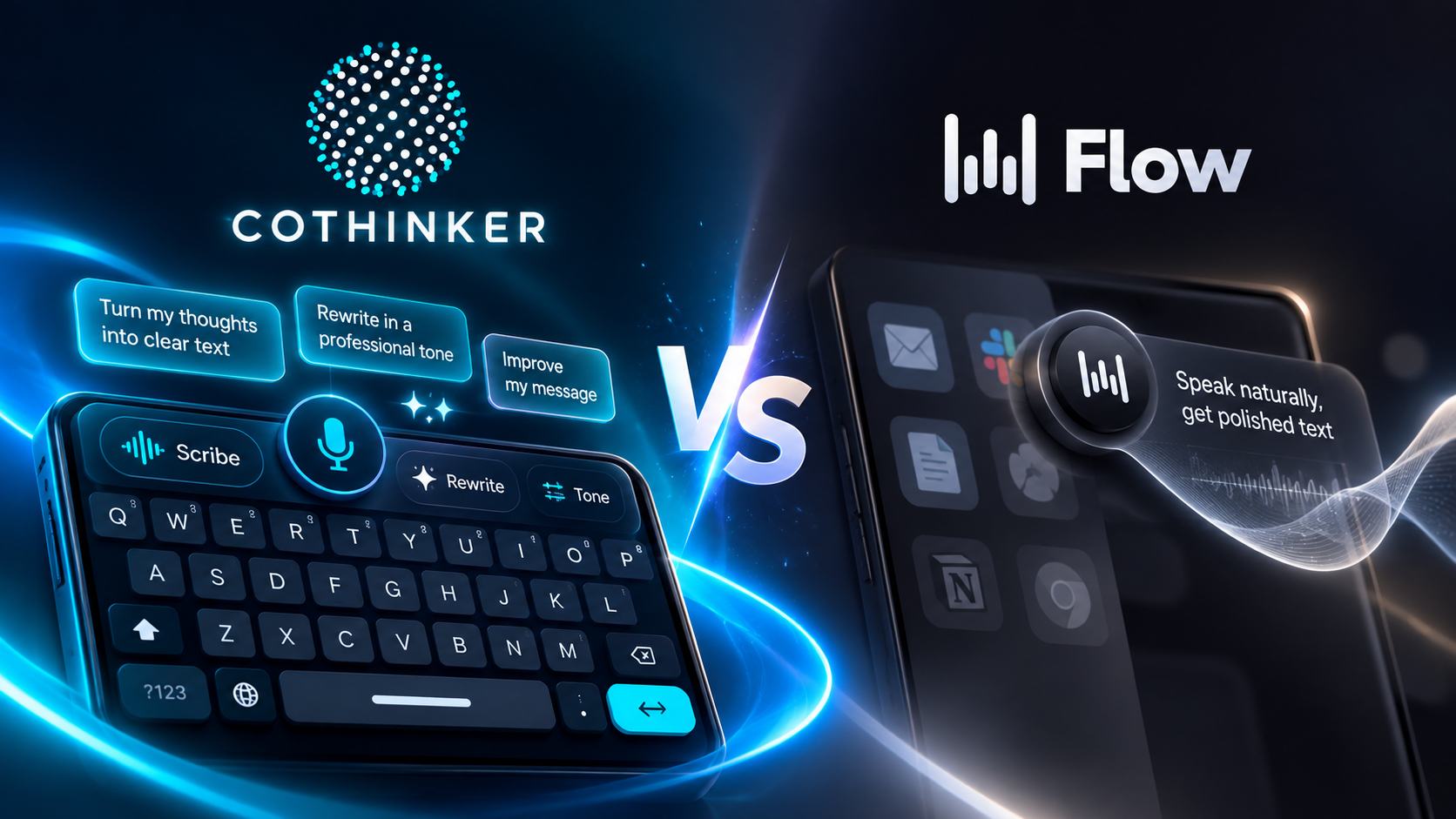
AI voice and writing tools are changing the way we communicate. Instead of stopping to type every sentence, you can speak naturally, clean up your thoughts, rewrite messages, and get help from AI without breaking your flow.
Two products that approach this problem differently are CoThinker and Wispr Flow.
Both help you turn thoughts into better text, but the experience is fundamentally different. Wispr Flow is primarily a voice-to-text experience, while CoThinker is built as an AI keyboard with voice, rewriting, tone control, and prompt enhancement built directly into the typing experience.
So which approach makes more sense for everyday communication?
Let's break it down.
TL;DR
- CoThinker is an AI keyboard designed to combine typing, voice input, rewriting, tone adjustment, and AI assistance in one place.
- Wispr Flow focuses primarily on turning natural speech into polished text across supported apps and devices.
- On Android, Wispr Flow works through a floating bubble and does not replace your existing keyboard.
- CoThinker's Android keyboard includes Voice Scribe, Tone & Style Shifter, and 1-Tap AI Enhancement directly in the keyboard experience.
- Wispr Flow supports 100+ languages and is available across Mac, Windows, iOS, and Android.
- The biggest difference isn't simply dictation speed. It's where AI lives in your writing workflow.
What Is Wispr Flow?
Wispr Flow is an AI voice-to-text tool designed around a simple idea: speak naturally and receive polished text instead of a raw transcript.
You can dictate into supported apps, and Flow handles things such as filler-word removal, punctuation, spoken corrections, and formatting. It supports more than 100 languages and is available on Mac, Windows, iOS, and Android.
On Android, Flow appears as a floating bubble that you can activate while using other apps. Importantly, Wispr Flow states that it works alongside your existing Android keyboard rather than replacing it.
That makes Wispr Flow particularly voice-first. The core workflow is:
Open an app → activate Flow → speak → receive polished text.
For people who mainly want to dictate messages, notes, emails, and documents, that's a straightforward approach.
What Is CoThinker?
CoThinker takes a broader approach.
Instead of treating voice as a separate input layer, CoThinker brings AI directly into the Android keyboard.
The keyboard combines regular typing with AI-powered writing tools, including:
- Voice Scribe for turning spoken thoughts into structured text
- Tone & Style Shifter for changing the way your message sounds
- 1-Tap AI Enhancement for improving text and prompts
- Smart Voice Dictation
- AI assistance directly from the keyboard
CoThinker's Google Play listing describes Scribe as a way to speak naturally without filtering your thoughts and turn those raw thoughts into clean, ready-to-send messages. It also includes tone options and one-tap enhancement for AI prompts.
The idea is simple:
Type → speak → rewrite → improve → send — without leaving the keyboard.
CoThinker vs Wispr Flow: The Core Difference
The easiest way to understand the two products is to look at where they sit in your workflow.
| Feature | CoThinker | Wispr Flow |
|---|---|---|
| Primary experience | AI keyboard | Voice-to-text |
| Android keyboard | Built-in AI keyboard | Works alongside existing keyboard |
| Voice input | Voice Scribe | Core dictation experience |
| AI rewriting | Yes | Available through Flow's AI features |
| Tone adjustment | Yes | Style/personalization features |
| Prompt enhancement | Yes | Not the primary workflow |
| Filler-word removal | Yes | Yes |
| Context-aware formatting | Yes | Yes |
| 100+ languages | — | Yes |
| Android | Yes | Yes |
| Desktop | — | Mac & Windows |
| iOS | — | Yes |
| Offline transcription | — | No |
| Best suited for | AI-assisted typing + communication | Voice-first dictation |
Wispr Flow currently advertises 100+ languages and support across Mac, Windows, iOS, and Android, while its Android implementation uses a floating interface rather than replacing the keyboard.
1. Voice Scribe vs Voice Dictation
Voice is where the products overlap the most.
Wispr Flow is designed to let you speak naturally and have the system transform your speech into polished writing. It automatically handles things such as filler words, punctuation, lists, and spoken corrections.
CoThinker approaches voice through Scribe.
Instead of thinking about Scribe as traditional dictation, the goal is to capture a brain dump.
You don't have to carefully construct every sentence before speaking.
You can say what you're thinking, and CoThinker turns that rough input into a structured message.
For example:
"Hey, just wanted to check about tomorrow because I think we were supposed to meet at three but if you're busy we can also do four..."
The goal isn't to preserve every word.
It's to turn the thought into something you can actually send.
That's the difference between speech-to-text and speech-to-writing.
2. AI Writing Tools
This is where CoThinker moves beyond pure dictation.
Imagine you're writing:
"Can you send me the project details?"
You might want the same message to sound:
Professional:
"Could you please share the project details when you have a chance?"
Friendly:
"Hey! Could you send over the project details when you get a chance?"
Direct:
"Please send me the project details."
Instead of manually rewriting each version, CoThinker's Tone & Style Shifter can change how the message sounds.
The same keyboard can also help improve rough writing or enhance an AI prompt without requiring you to switch into another application.
That makes the keyboard more than an input method.
It becomes part of the writing process.
3. The Android Experience
Android is where the distinction becomes especially noticeable.
Wispr Flow's Android experience uses a floating bubble that sits above your apps. You can tap it to start dictating while continuing to use your regular keyboard.
CoThinker takes the opposite route.
It is itself an Android keyboard, with AI functionality built into the keyboard interface.
That means your workflow can stay inside one keyboard:
Type → Scribe → Enhance → Change Tone → Send
There is no separate floating voice layer required for the core experience.
For people who switch constantly between typing and AI assistance, this distinction can make a noticeable difference.
4. Voice Isn't the Only Way to Communicate
One of the biggest misconceptions about AI writing tools is that voice is always the fastest option.
Sometimes you don't want to speak.
You just want to type a rough sentence and make it better.
That's where an AI keyboard has an advantage as a concept.
With CoThinker, you can start with a few words, a rough message, or an incomplete prompt and use AI to improve it.
You might type:
"meeting moved tomorrow 4 pm tell client"
and turn it into:
"Hi, just a quick update — our meeting has been moved to tomorrow at 4 PM. Please let me know if that still works for you."
The input method changes, but the goal stays the same:
Get from thought to usable text faster.
5. Privacy and Data
Privacy is another important consideration when choosing an AI writing tool.
CoThinker's Google Play listing states that the keyboard does not log or store keystrokes and that sensitive inputs such as private messages and passwords remain on the device.
Wispr Flow, meanwhile, requires an internet connection for transcription. Its official documentation states that Flow processes speech using its online transcription models and does not currently provide offline transcription.
For anyone using an AI writing tool for personal messages, work conversations, or sensitive information, understanding the provider's data practices is just as important as looking at features.
6. Languages and Platform Support
Wispr Flow has a broader published cross-platform footprint.
It supports Mac, Windows, iPhone, and Android, along with 100+ languages.
That makes it attractive for someone who moves between multiple devices throughout the day.
CoThinker's current product focus is more centered on the Android keyboard experience, where AI writing capabilities are integrated directly into the keyboard.
So the choice can come down to something very practical:
Do you want a voice tool that follows you across devices, or an AI keyboard that puts writing assistance directly where you type?
CoThinker vs Wispr Flow: Which Workflow Fits You?
There isn't one universal way to write.
Some people think out loud.
Some people type quickly.
Some people constantly rewrite messages.
Some people spend their day inside ChatGPT, Claude, email, Slack, WhatsApp, and other apps.
That's why the most useful comparison isn't simply a feature checklist.
It's the workflow.
Choose a voice-first workflow
Wispr Flow is designed around speaking naturally and turning speech into polished writing across apps. Its cross-platform support and 100+ language offering make it especially relevant for people who want voice dictation to be available across their devices.
Choose an AI-keyboard workflow
CoThinker is designed for people who want AI to be part of the keyboard itself — combining typing, Scribe, rewriting, tone control, and prompt enhancement in one place.
Frequently Asked Questions
Is CoThinker a voice dictation app?
CoThinker includes voice functionality through Voice Scribe and Smart Voice Dictation, but the product is designed as a broader AI keyboard rather than a voice-only tool.
Does Wispr Flow replace the Android keyboard?
No. Wispr Flow's official Android documentation says it works alongside your existing keyboard and uses a floating bubble for dictation.
Can CoThinker rewrite messages?
Yes. CoThinker includes Tone & Style Shifter and AI enhancement tools for changing and improving text.
Does Wispr Flow work across apps?
Yes. Wispr Flow is designed to work wherever you write, including apps and websites with supported text fields.
Does Wispr Flow work offline?
No. Wispr Flow states that an internet connection is required for transcription.
What makes CoThinker different?
The biggest difference is the product philosophy.
Wispr Flow is built around voice becoming text.
CoThinker is built around AI becoming part of the keyboard.
Final Thoughts
CoThinker and Wispr Flow are solving a similar problem from different directions.
Wispr Flow focuses on making voice input feel more natural by turning speech into polished writing across apps and devices.
CoThinker takes that idea further into the keyboard itself, combining Voice Scribe with AI enhancement, tone control, and writing assistance.
The bigger shift is happening underneath both products.
Typing is no longer just about pressing keys faster.
It's about reducing the distance between what you think and what you want to communicate.
And that's exactly where AI-powered keyboards and voice interfaces are heading.
Think less about typing. Think more about communicating.